Building 190 Pardot Emails at Scale with Claude
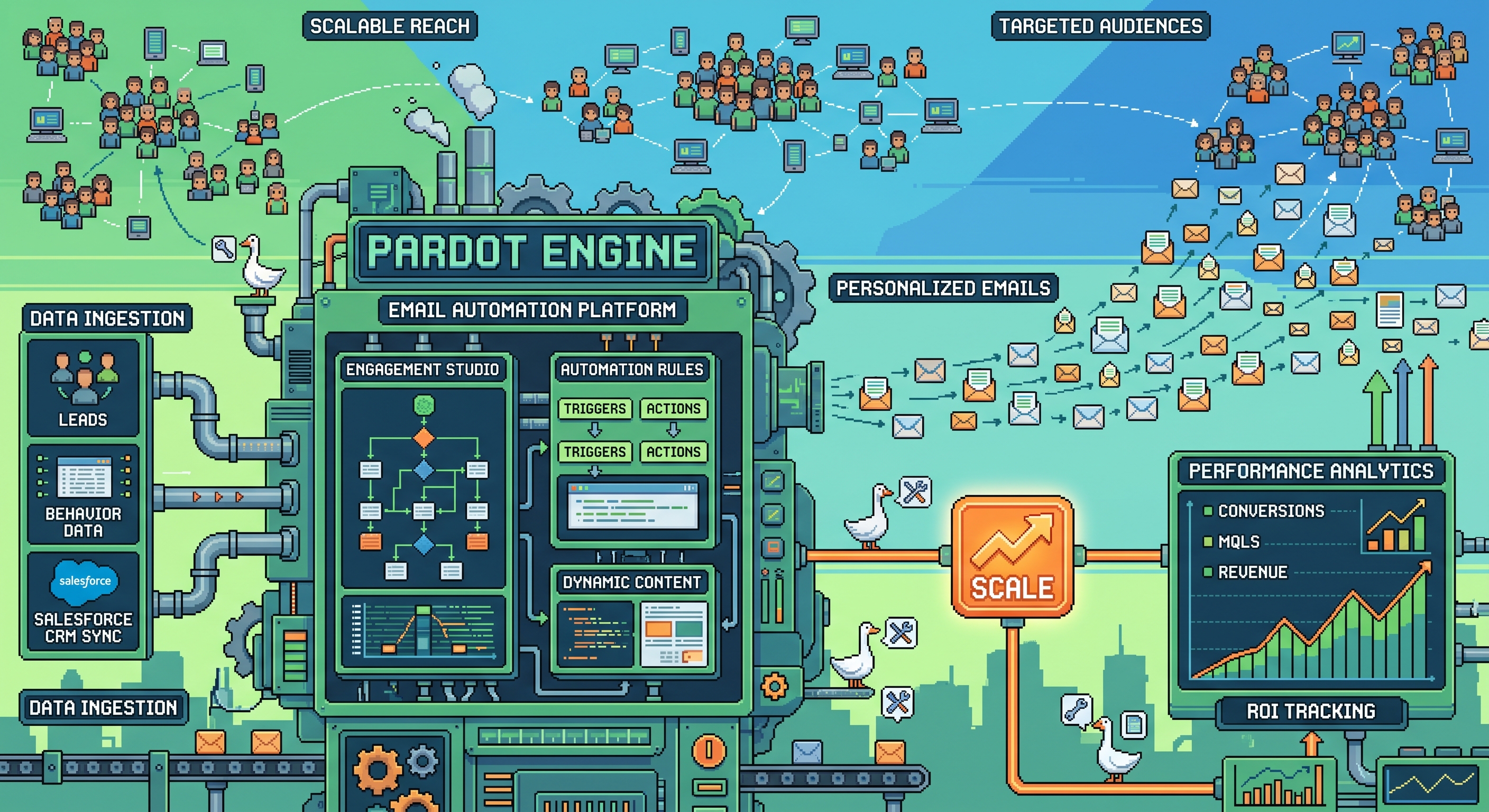
Overview
One of our enterprise MOps clients operates across multiple product lines, each with distinct buyer personas ranging from frontline influencers to C-suite decision makers. Their go-to-market strategy called for a fundamental shift: away from batch-and-blast email campaigns and toward tightly targeted, segment- and persona-specific nurture automations.
The scope was significant — 190 individual emails, each mapped to a specific product segment, persona, and funnel stage (top, middle, or bottom). Twelve emails per segment-persona pairing, organized into discrete automation programs. Each had to be built to brand standards using the client’s corporate-approved multi-dimensional HTML email template and output as Salesforce Marketing Cloud Account Engagement (formerly Pardot) compatible code.
Doing this manually would have meant weeks of repetitive build work. We saw an opportunity to let Claude carry the heavy lifting.
Approach
The client owned the content strategy — messaging briefs, value propositions, and copy were provided per segment and persona. Our job was to systematize the production layer: take that content and correctly assemble each email into clean, validated, API-ready Pardot HTML.
We built a Claude co-work plugin that ingested the client’s reference HTML email template as its foundation. The template used a multi-dimensional layout with conditional blocks for imagery, CTAs, body copy, and footer variants — a structure that needed to remain intact and on-brand across all 190 outputs.
The plugin workflow:
- Template ingestion — Claude parsed the full HTML template structure, identifying variable regions and static brand scaffolding
- Segment and persona mapping — each email was tagged at generation time with its segment identifier, persona tier, and funnel stage, which drove both the content assembly and the Pardot naming/labeling conventions
- Content injection — client-supplied copy and asset references were slotted into the correct template regions based on the email’s position in the automation sequence
- Output formatting — generated HTML was validated against Pardot’s rendering requirements, with options to push directly as drafts via the Pardot API or export as clean files for manual upload by the team
We ran the generation in batches by segment, validating code output at each stage before moving to the next persona group.
Results
All 190 emails were built, labeled, tagged, and tested in roughly a tenth of the time a manual build process would have required. What would have been weeks of templating work across a team of marketing ops specialists compressed into a structured, repeatable generation run.
The Pardot-compatible HTML code passed rendering tests across major email clients. The automation programs — 12 emails per segment-persona — were structured correctly in the platform, with consistent naming conventions and funnel-stage tagging applied uniformly.
For the client’s end customers and prospects, the downstream effect is meaningful: instead of receiving broad campaign emails that may or may not be relevant, they receive communications tuned to their role, their product interest, and where they sit in the buying journey. Fewer emails, higher relevance, better engagement.
Lessons Learned
-
Template fidelity is the foundation — Claude’s ability to hold the full HTML template in context and respect its structural constraints was what made this possible. Any ambiguity in the reference template would have propagated across all 190 outputs. Clean, well-structured source templates are non-negotiable.
-
Naming conventions belong in the prompt, not the spreadsheet — We encoded Pardot’s email naming and tagging schema directly into the generation instructions. This eliminated the manual labeling step entirely and ensured consistency from the first output to the last.
-
Batch by segment, validate early — Running the full 190 in one pass would have made errors harder to catch and fix. Generating by segment and validating HTML at each checkpoint meant issues were isolated and corrected before they scaled.
-
API-first output unlocks speed, but manual fallback matters — Having both a draft-via-API path and clean file exports gave the client’s team flexibility. Not every enterprise MOps environment has API access configured on day one, and the manual path meant the project didn’t stall waiting on IT.
-
Automation scales strategy, not just execution — The real value here wasn’t just speed. It was making a 190-email personalization strategy actually feasible for a team that would otherwise have had to choose between depth and delivery. AI-assisted production removed that tradeoff.