AI-Powered Image Generation Automation
Overview
Marketing teams producing branded product imagery face a painful bottleneck: each asset requires manual layout, resizing, and quality checking across multiple formats. For a single product, teams may need 9–20+ variations spanning social media, web banners, and retail platform specs. Multiply that across a full product catalog and the effort becomes unsustainable.
We built an AI Image Automation framework that reduces this to a single trigger. A Notion database entry feeds an n8n workflow that orchestrates Bannerbear for templated image generation and Cloudinary for asset transformation — delivering finished, brand-compliant images to Google Drive within seconds.
Approach
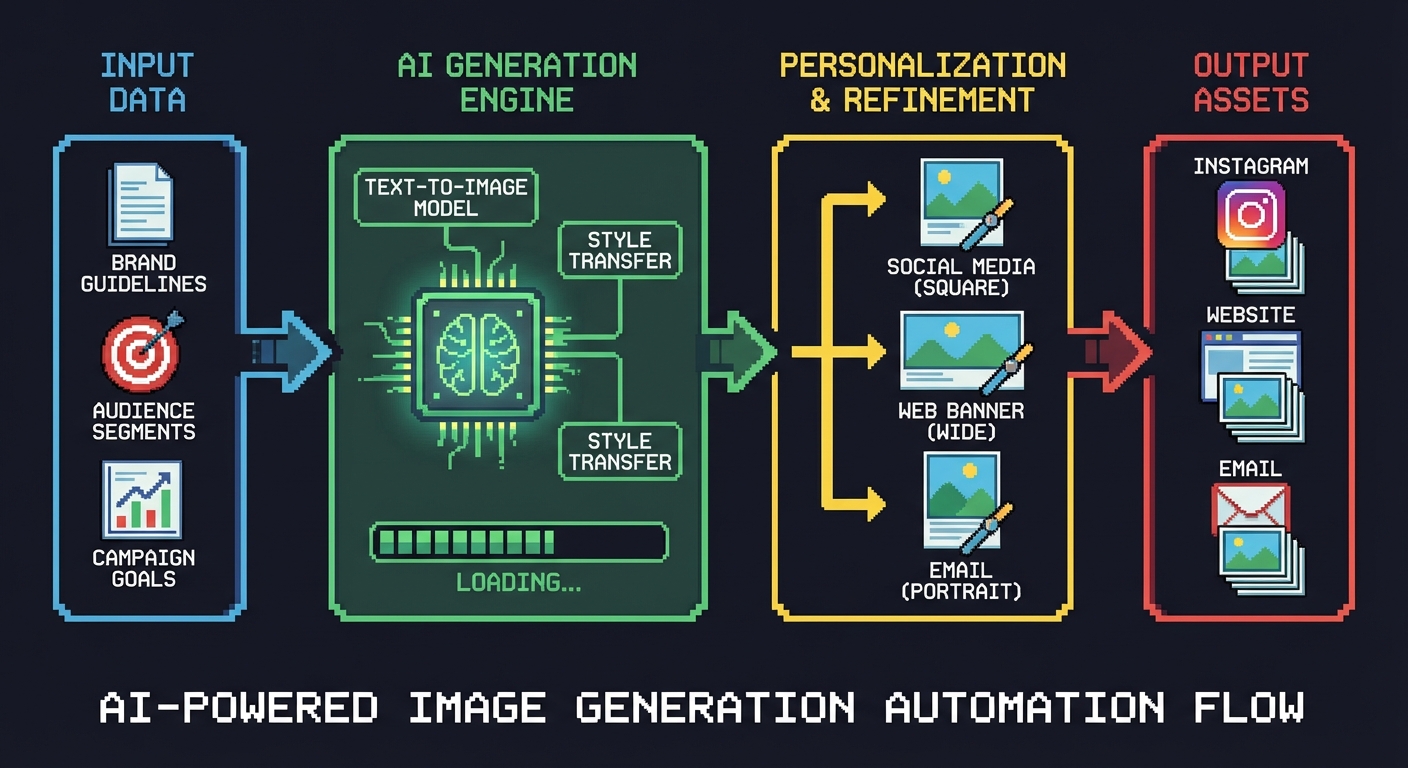
The system is built around four connected layers, each handling a distinct responsibility in the pipeline.
Notion as the control layer. A lightweight Notion database serves as the job configuration interface. Each row represents a product run — capturing the scene image, vendor logo, showroom assignment, notes, and template set. Batch entries can be populated using Notion AI from CSVs, URLs, or plain text, making it easy to queue dozens of products at once.
n8n as the orchestration engine. Automation buttons in the Notion database trigger n8n workflows via external API webhooks, passing source data from the database entry. n8n manages the master workflow sequence and handles logging across each step. Three distinct actions are available: Create Master, Create Variants, and Create Templates.
Bannerbear for templated generation. Bannerbear receives the source assets and applies brand-controlled templates to produce image variations. Multiple templates and size presets are configured in advance, so each trigger generates a full set of format-specific outputs — from Pinterest pins to meta ad creatives at 1440px and 1080px widths.
Cloudinary and Google Drive for delivery. Cloudinary handles additional size variation URL calls where needed, and all final JPEG outputs are stored in Google Drive, organized by product and run date. Linked asset URLs are written back to the Notion record for traceability.
Results
The framework was validated using a designer bathroom vanity campaign for the Vague & Vogue showroom featuring The Rubinet Faucet Company as the vendor.
Speed. Each image variation completes within seconds of triggering the workflow. A full product run producing 9–20+ variations finishes in under a minute, compared to hours of manual production work.
Volume. A single Notion entry generates a complete set of branded assets across all required formats and platforms — meta ad sizes, Pinterest formats, weather-targeted creatives, and more — without any manual intervention after the initial trigger.
Scalability. The framework is designed to be product- and campaign-agnostic. New showrooms, vendors, and template sets can be added without modifying the core automation. Additional high-volume use cases layer in by simply configuring new Notion entries and Bannerbear templates.
Lessons Learned
-
Notion is an underrated automation frontend. Using a database as the control plane — rather than a custom UI — dramatically reduced setup time. Marketers can manage runs without touching the underlying workflow logic.
-
Template-first design is essential. Investing time upfront in well-structured Bannerbear templates paid off immediately. Every new product run inherits consistent brand standards automatically.
-
Webhook-driven orchestration keeps systems loosely coupled. By connecting Notion to n8n via webhooks rather than direct integrations, each layer can be swapped or upgraded independently. Cloudinary could replace Bannerbear for certain transforms without rewiring the entire pipeline.
-
Write outputs back to the source record. Storing all generated asset URLs directly in the Notion entry creates a single source of truth. Teams can review, reshoot, or re-run from the same interface where they initiated the job.
-
Start with one use case, then generalize. The bathroom vanity campaign served as the proof of concept. Once validated, the same framework extended to other product categories with minimal configuration changes.