How We Built goosedigital.ai in Two Days
The Starting Point
We wanted a dedicated space to showcase the AI work happening at Goose Digital — experiments, articles, tools, and services. Not a page buried on the main site, but a standalone property with its own identity. The goal was clear: build goosedigital.ai from scratch, make it fast, make it reflective of our brand, and get it live as quickly as possible.
The entire project took two days from first commit to a fully deployed site with a working AI chatbot, published experiments, legal pages, SEO, and automated deployments. Total human time across the build was roughly five hours. The rest was AI doing what it does best — executing at speed while we steered.
Planning with Claude Code
We used Claude Code as the primary development agent for the entire project. The first step was planning the sitemap and overall project structure. Claude helped us define the page hierarchy, content schema, and component architecture for an Astro static site — choosing Astro specifically for its zero-JavaScript-by-default output and Cloudflare Pages compatibility.
The project structure came together quickly: markdown-based content with Zod-validated frontmatter for both articles and experiments, a shared article layout, reusable components, and CSS custom properties for theming. Claude scaffolded the full project, configured the build pipeline, and set up the content collections — all through conversational iteration rather than manual coding.
Brand Identity and the Pixel-Tech Theme
Goose Digital’s existing brand guidelines from goosedigital.com gave us the foundation — the green and orange color palette, the professional tone, the goose motif. But goosedigital.ai needed its own personality. We landed on a pixel-art, retro-tech aesthetic that nods to the terminal and command-line world where so much AI development actually happens.
The site uses DM Mono for headings, code blocks, and the terminal-style UI elements, paired with DM Sans for body text. Navigation items are styled as terminal commands. The chatbot lives inside a mock terminal window. Even the section headers use a command-prompt chevron. It feels technical without being intimidating — which is exactly the balance we wanted for a site that showcases hands-on AI work.
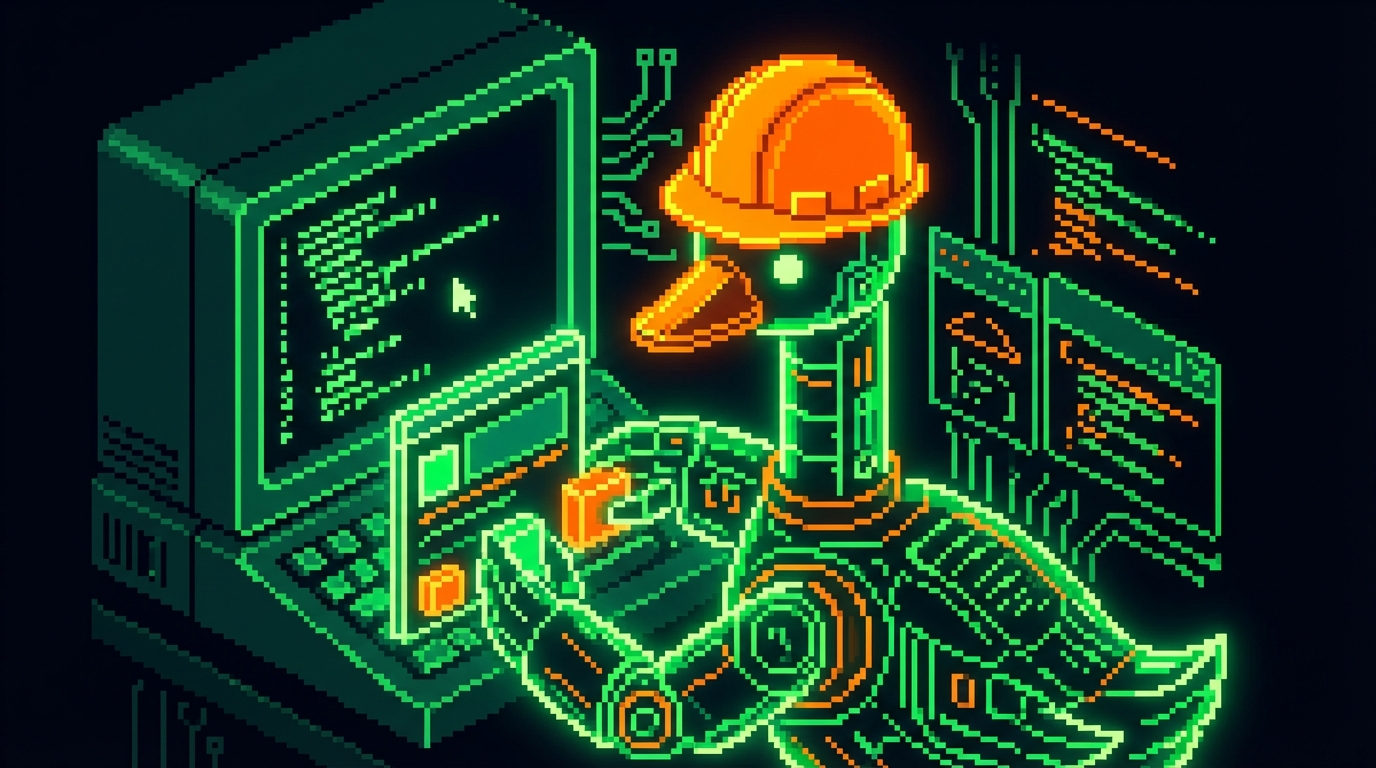
We used Gemini to help refine the pixel-art goose icon that appears across the site, and Gemini’s image generation capabilities produced the OG sharing images and the featured images for our experiment posts — each one a pixel-art flow diagram matching the site’s retro-tech theme.
Synthesia was used to create the video on the homepage using their custom avatar module, giving us a professional AI-generated video introduction without a production crew or filming schedule.
Infrastructure: GitHub and Cloudflare
The deployment infrastructure is deliberately simple. The repository lives on GitHub, and Cloudflare Pages handles hosting with automatic deployments on every push to main. There is no staging environment, no complex CI pipeline, no manual deployment step. Push to main and the site is live in about thirty seconds.
We configured GitHub with restricted access so that Claude Code can push commits but operates within defined guardrails — no force pushes, no branch deletions, no modifications to protected configurations. This gives us the speed of AI-driven deployment while maintaining the safety rails that a production site requires.
Over the course of the two-day build, we pushed 25 commits — each one triggering an automatic Cloudflare deployment. That cadence tells the real story of how this project moved: rapid iteration, continuous delivery, and constant validation against the live site.
The AI Chatbot
The chatbot was one of the more interesting pieces to get right. It runs as a Cloudflare Pages Function that proxies requests to the Claude API, keeping the API key server-side and the frontend zero-JavaScript beyond the chat widget itself.
The real work was in the system prompt. We structured the chatbot instructions to tightly control what it can and cannot do. It only discusses Goose Digital’s specific services — no general AI education, no free consulting, no off-topic conversations. Responses are limited to two or three plain-text sentences. It identifies the one or two most relevant services based on the visitor’s question and redirects to our sales team for anything requiring hands-on help.
We also built in input rules: messages over 500 characters get redirected to the team, multi-part questions get a clarifying question instead of an attempted answer, and any request that looks like free consulting gets a polite redirect to contact. The model has usage limits configured on the API side to keep costs predictable.
Getting the instructions right took several iterations. The first version was too permissive — the bot would happily explain AI concepts and list all eight services in a single response. Each round of tightening made the output cleaner and more focused, which is itself a lesson in prompt engineering for production chatbots.
What’s Next
The site is live and deploying continuously. New experiments and articles can be published through markdown files with a simple git push — or through Claude Code, which handles the writing, validation, build check, and deployment in a single conversation.
The two-day timeline was not about cutting corners. The site has proper SEO with JSON-LD structured data, Open Graph images, a validated content schema, legal pages, and a production chatbot with guardrails. It was about using AI tooling to compress the gap between intention and execution — letting the human focus on decisions while the AI handles implementation.
Five hours of human time. Twenty-five deployments. A fully operational AI showcase site. That is what working with AI actually looks like when you set it up right.