Inside Our Co-op AI Projects: Web Migration and Branded Graphics
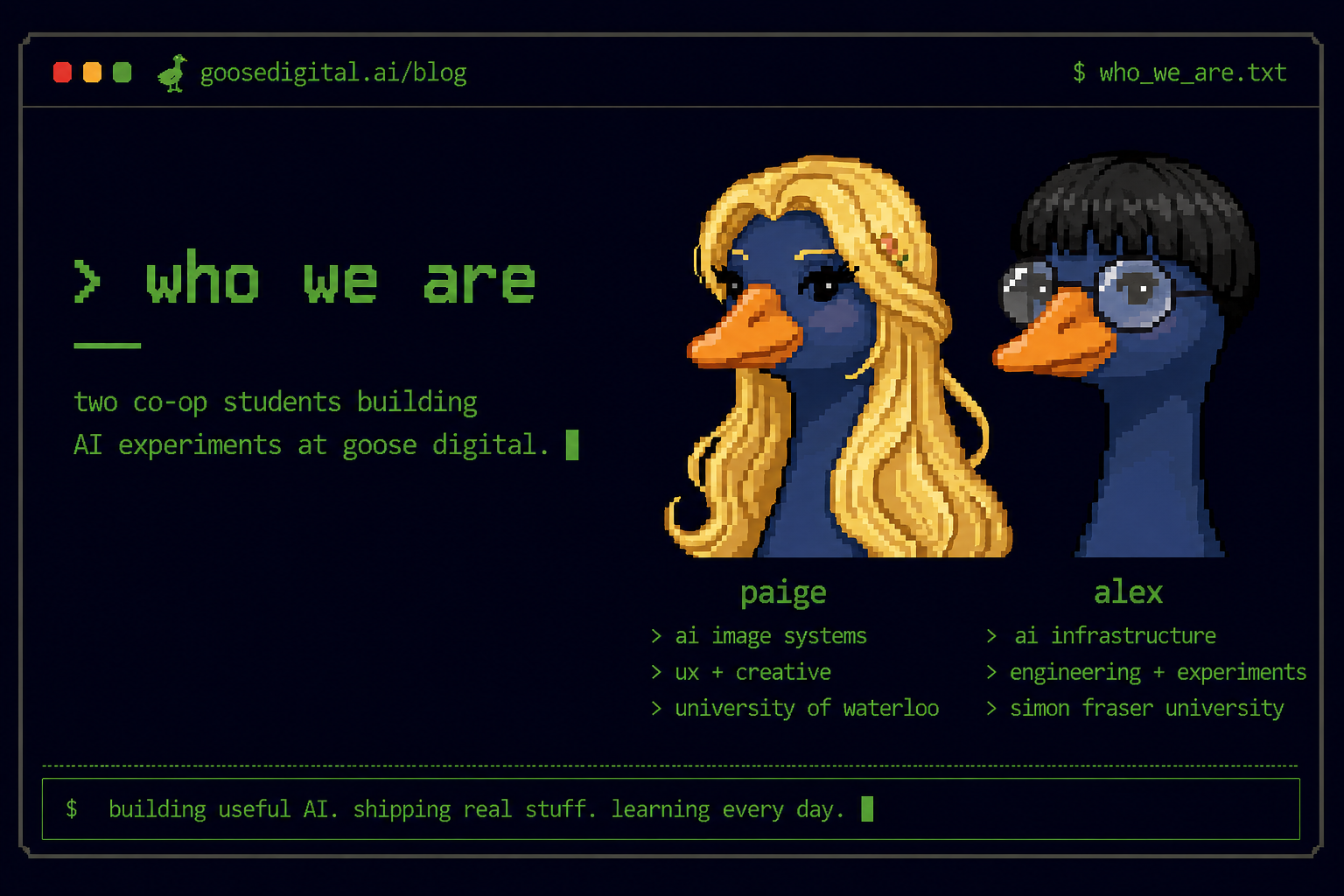
Introduction: Who We Are
With AI rapidly reshaping creative and technical industries, we are growing up and starting our careers during a period where new tools, models, and workflows are evolving almost weekly. Being surrounded by that shift has pushed us to experiment with how AI can be applied behind the scenes to solve real production problems instead of just generating demos or prototypes. As two co-op students from University of Waterloo and Simon Fraser University, we have been working on a pair of internal AI projects at Goose Digital focused on automation, content systems, and generative workflows across web development and creative production.
Project Overview
A lot of agency work still involves repetitive manual tasks. Rebuilding WordPress sites means cleaning plugin-heavy content, fixing layouts, and recreating pages one by one. Creating branded graphics has a similar problem. Designers spend hours resizing assets, adjusting layouts, and making sure colours, fonts, and logos stay consistent across every platform.
As two co-op students at Goose Digital, we wanted to explore how much of that work could be automated using AI tools and modern frontend workflows. That led to two connected internal projects. Website AI focuses on converting existing WordPress websites into modern static frontends, while Image AI focuses on generating editable, brand-aware marketing graphics using AI image generation and layout systems.
[ goose-ai-build-team ]

Paige :: makes the AI look good
Alex  :: makes the AI not explode
Approach
For Website AI, the workflow starts by pulling pages, posts, images, navigation, and SEO metadata directly from the WordPress REST API. Custom cleanup scripts remove shortcode clutter, page builder wrappers, form code, and unnecessary HTML before converting everything into structured JSON and markdown files. Astro then dynamically rebuilds the site using those extracted files, automatically generating pages and blog routes without needing manual page creation.
For the image generation project, we explored a different pipeline focused on branded creative generation. Using Gemini APIs, the system generates structured layout JSON that defines text placement, image zones, layering order, and spacing. Those layouts are paired with AI-generated imagery and rendered onto an editable Fabric.js canvas where text, logos, shapes, and assets can still be modified after generation. The goal was to create outputs that actually match a company’s branding instead of producing generic AI images that require heavy redesign work afterward.
Alongside both projects, we tested deployment workflows, markdown rendering, image handling, SEO preservation, and editable export systems for different content formats and platforms.
Results
The Website AI pipeline successfully rebuilt the entire Concero site locally in under two days of development. The extraction system processed 17 static pages, 66 blog posts, and 239 media items while preserving navigation and most SEO metadata. The Astro frontend now supports dynamic routing, markdown rendering, reusable components, and automatic content ingestion directly from extracted WordPress data.
The Image AI pipeline successfully generated editable branded layouts using structured AI-generated positioning data combined with generated image assets. Early tests showed significantly better brand colour preservation and layout consistency than standard image generation workflows, while still allowing post-generation editing through the Fabric.js canvas system.
The biggest challenge across both projects was consistency. WordPress builders all structure content differently, while AI-generated layouts and visuals can still produce unpredictable outputs that require cleanup, tuning, or design refinement before becoming production ready.
Lessons Learned
Automation works best when the output stays editable. Structured JSON, reusable data objects, and editable canvas systems ended up being much more useful than generating fully locked final outputs.
We also learned that hidden technical gaps become obvious very quickly once AI systems start processing real production content. Missing alt text, inconsistent layouts, shortcode clutter, broken SEO structures, and inconsistent branding all surfaced almost immediately during testing.
The biggest takeaway was that AI tools become much more useful when they are designed around existing workflows instead of replacing them entirely. The best results came from combining automation with systems that still allow human review, editing, and refinement.